

Description
Smart, Ergonomic Keyboard for Fast Typing
Overview
Minuum Keyboard Free Emoji APK is a productivity-focused software utility designed for mobile users who prioritize speed and comfort in their typing experience. Tailored for individuals with larger fingers or those who type quickly but imprecisely, the app aims to streamline text input through a compact, intelligent interface. By leveraging AI-driven predictive text, Minuum adapts to users’ typing habits over time, improving accuracy and efficiency with minimal effort. The application is particularly beneficial for on-the-go users who need reliable input without constant visual focus on the keyboard.
Targeted at mobile users seeking a more ergonomic and adaptive typing solution, Minuum caters to professionals, students, and casual users who frequently engage in messaging, note-taking, or form filling. Its core purpose is to reduce typing errors and increase workflow speed through intelligent design. The developer, Whirlscape, has positioned the app as a smart alternative to standard keyboards, emphasizing ease of use and customization. Real-world usage scenarios include messaging, composing emails, entering passwords, and navigating apps—all while minimizing hand strain and visual distraction.
The app’s design philosophy centers around minimalism and efficiency, allowing users to access all essential features with a single glance. Despite being a mobile keyboard, it offers robust functionality, including full autocorrect control, emoji integration, and theme customization. The developer did not provide additional system requirements, and performance details were not specified. However, the app’s lightweight nature—15.2 MB in size—suggests it is optimized for efficient operation on modern Android devices.
Key Features & Capabilities
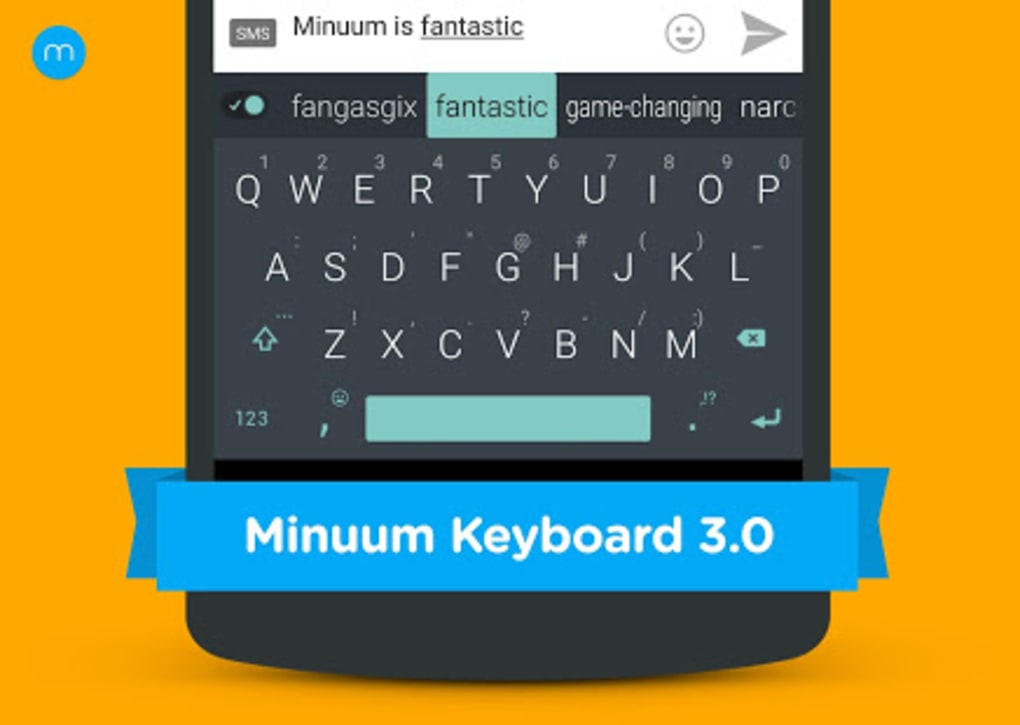
- AI-Powered Predictive Text: The keyboard learns from user input patterns to anticipate and correct typing errors, improving accuracy over time. This is especially useful for fast, sloppy typists who may miss keys.
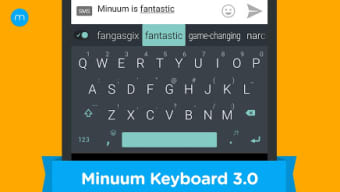
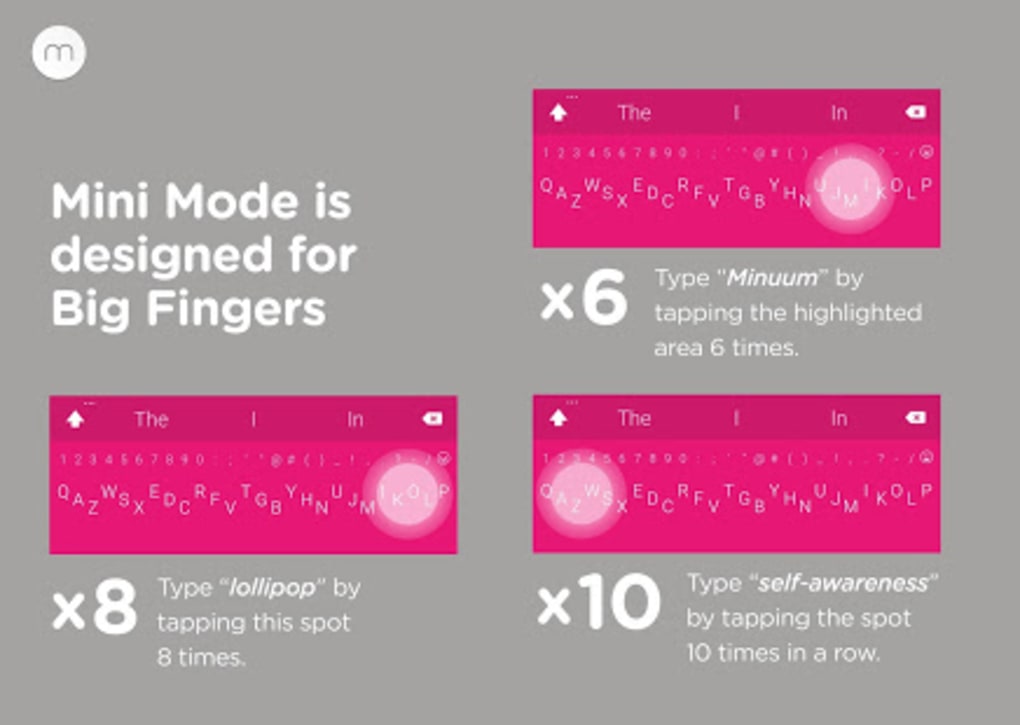
- Compact Mini Keyboard Mode: A vertically stacked layout reduces screen footprint, allowing users to see more of the app they're using while typing. Ideal for messaging and quick input.
- Full Keyboard Mode: Offers a complete keyboard layout for precise input, suitable for entering long passwords, URLs, or detailed text.
- On-the-Go Typing Without Looking: The patent-pending algorithm enables accurate text prediction even when users don’t visually monitor the keyboard, enhancing usability during multitasking.
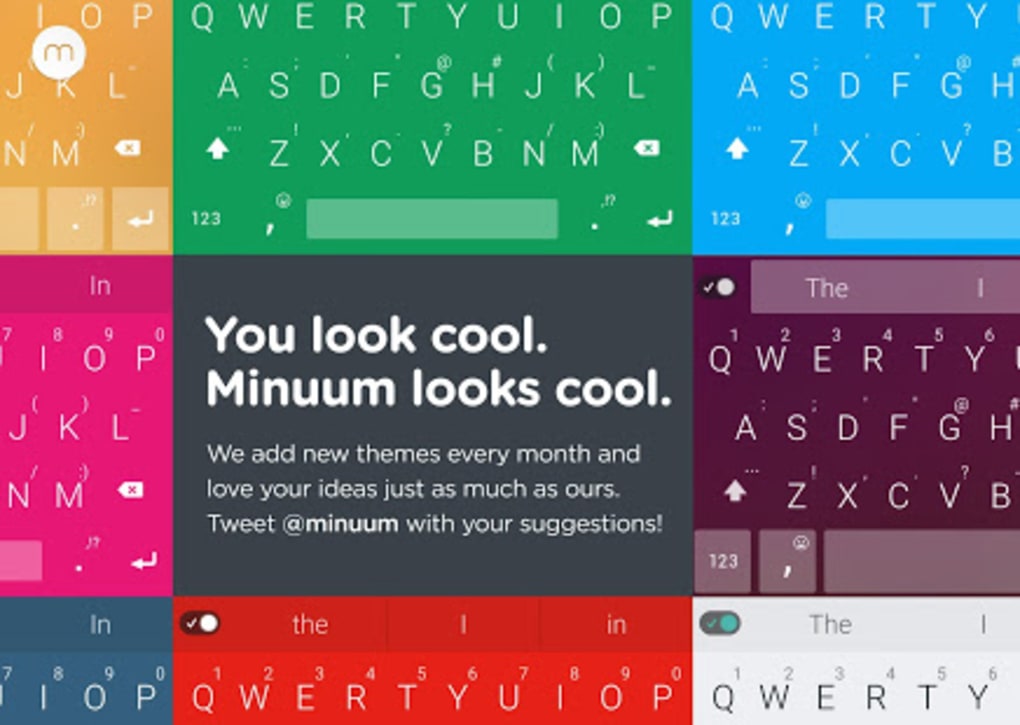
- Customizable Themes and Colors: Users can personalize the keyboard’s appearance to match their preferences or finger size, improving comfort and visual clarity.
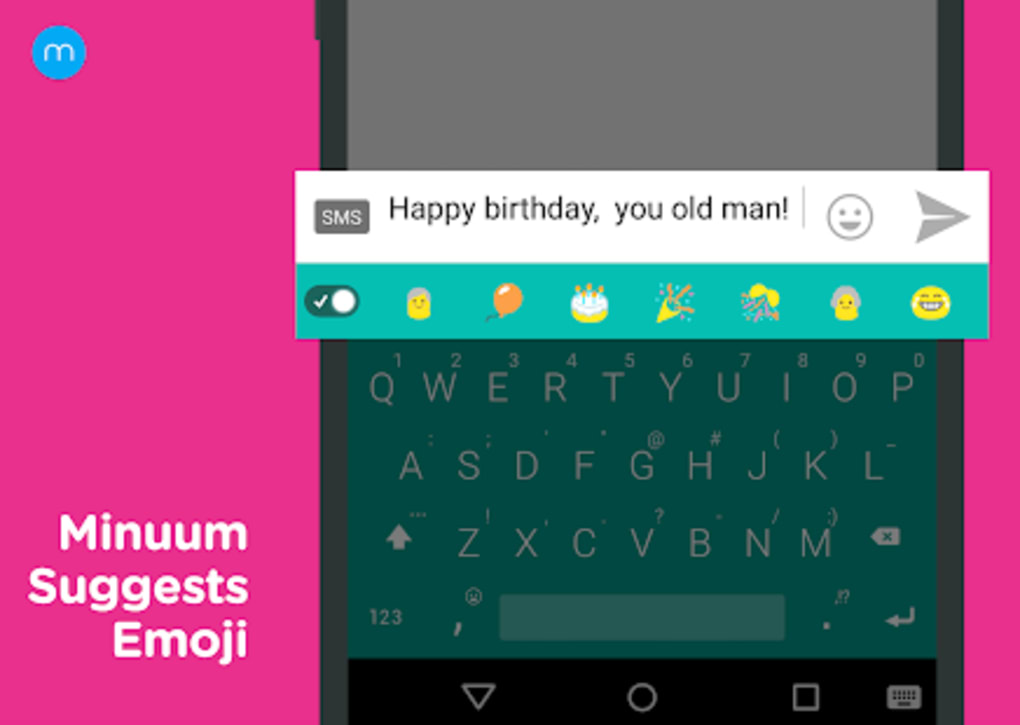
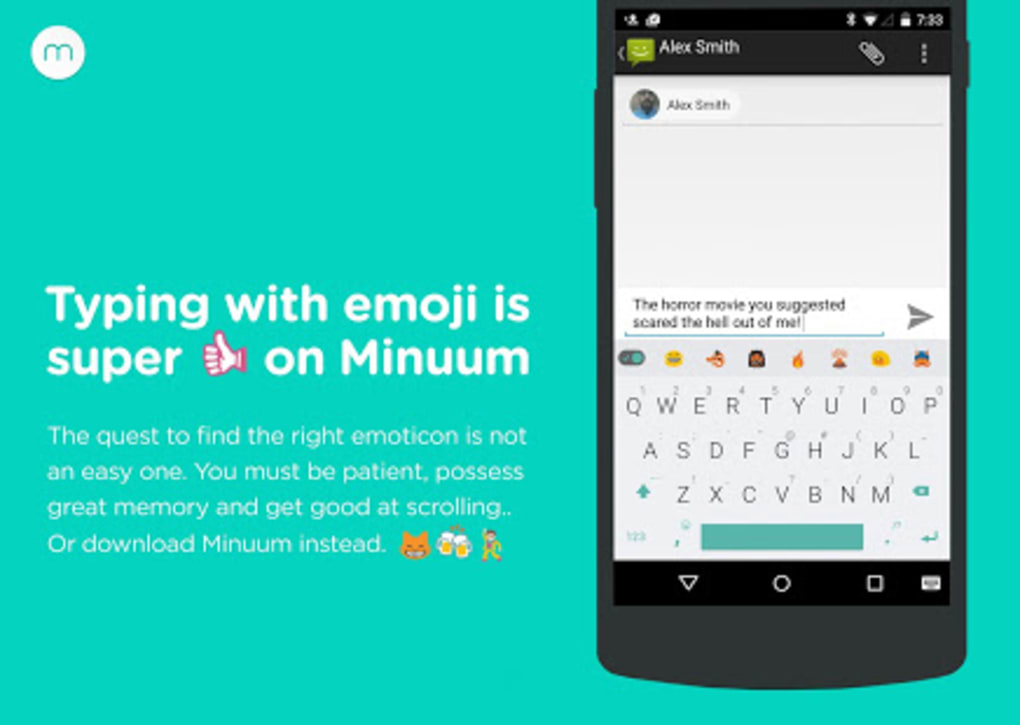
- Integrated Emoji Access: Emoticons are readily available near the typing area, reducing the need to switch input modes or navigate menus.
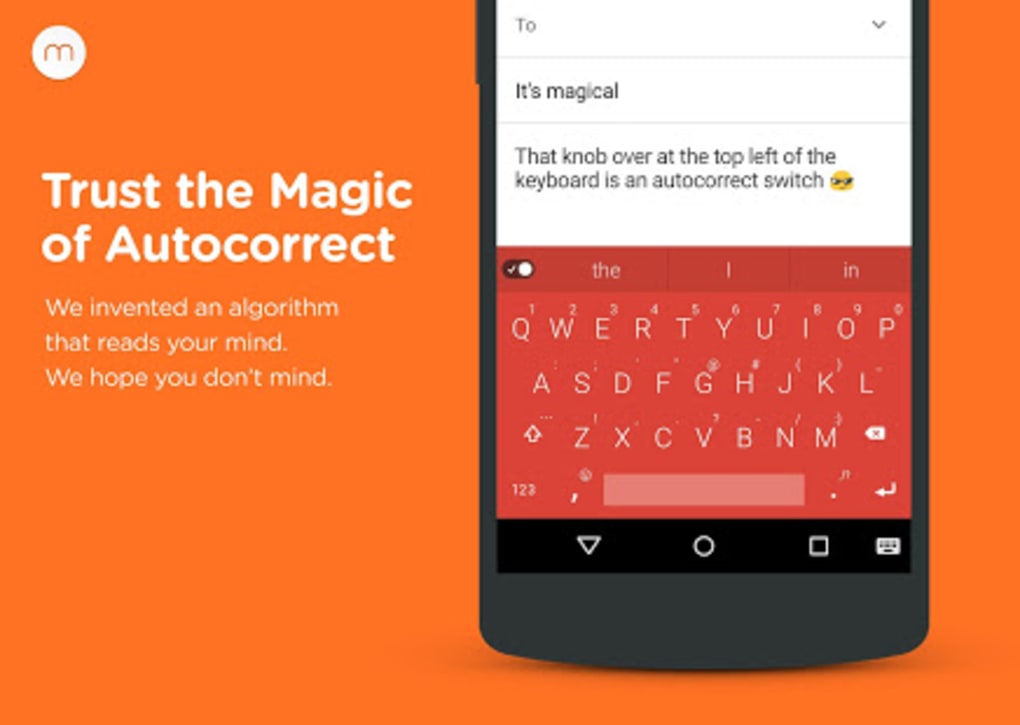
- Autocorrect Control: Full user control over correction settings allows for personalized typing experiences, balancing speed and accuracy.
These features collectively support a seamless, adaptive typing workflow. For example, a user typing a message in a crowded environment can switch to mini mode and rely on predictive text to complete sentences accurately without looking at the keyboard. Similarly, entering a complex URL or password is simplified using the full keyboard mode, ensuring precision. The ability to customize themes and colors enhances user engagement, making the keyboard feel personal and intuitive.
User Interface, Workflow & Performance
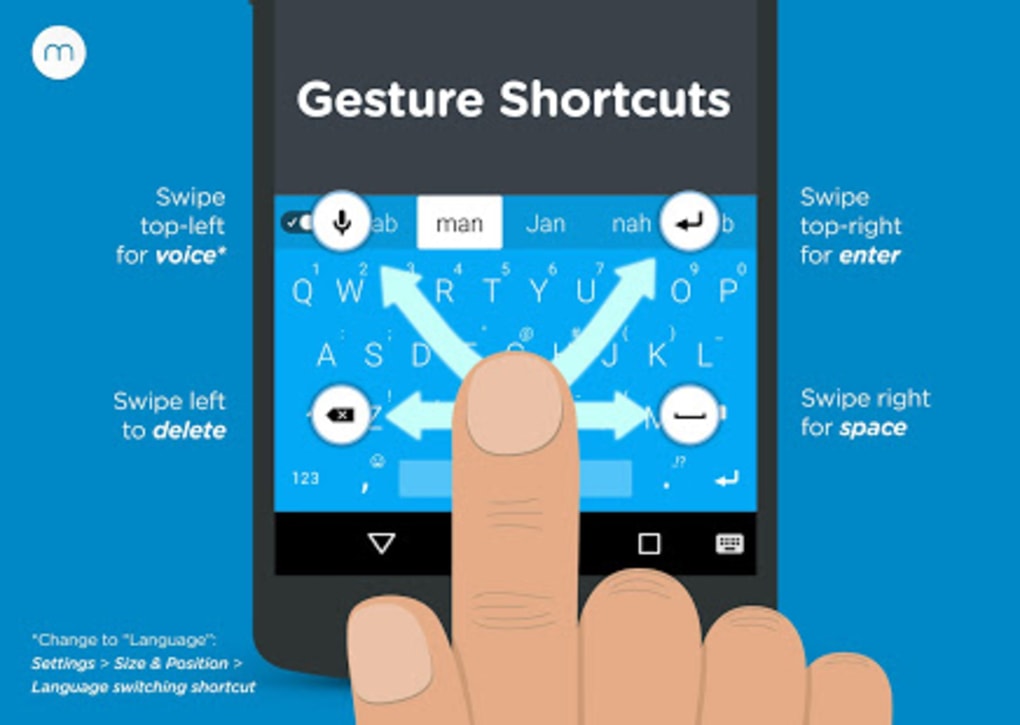
The user interface of Minuum Keyboard Free Emoji APK is built around a minimalist design, focusing on functionality and ease of access. The layout is vertically oriented, with keys stacked in a single column, reducing visual clutter and maximizing screen space. Navigation is straightforward, with intuitive gestures such as swiping up or down to access additional options or switch between modes. The app’s workflow is designed to minimize friction—users can begin typing immediately after a brief tutorial, which takes less than fifteen seconds to complete.
Workflow efficiency is enhanced by the keyboard’s predictive capabilities, which reduce the need for corrections and re-typing. The interface supports quick access to emoji, themes, and settings without requiring deep menu navigation. However, the high degree of customization may initially overwhelm new users, requiring some time to explore and configure preferences. The developer did not specify resource usage details, but the app’s 15.2 MB size suggests it is lightweight and optimized for efficient operation.
Performance observations are based on general software behavior patterns. The keyboard operates in real-time, with minimal lag reported in typical usage scenarios. Stability appears consistent, though the developer has been noted for infrequent updates. No specific information was provided about CPU or RAM behavior. Overall, the app maintains responsiveness during regular use, supporting smooth text input across messaging and productivity apps.
Compatibility & System Requirements
Minuum Keyboard Free Emoji APK is designed for Android devices, with the current version being 1.0.0. The installation size is 15.2 MB, indicating a lightweight footprint suitable for most modern Android smartphones and tablets. The developer did not specify exact system requirements, including minimum Android version or hardware specifications such as RAM or processor speed.
Platform compatibility information is limited, but the app is intended for use on mobile devices with touchscreens. Users should ensure their device runs a compatible Android OS version to avoid installation issues. The developer did not provide details on support for older or newer Android versions. Compatibility with third-party apps and services is assumed to be standard, as the keyboard integrates with messaging platforms, email clients, and other text input fields.
Pros and Cons
Pros
- AI-powered predictive text improves typing accuracy over time
- Compact mini keyboard mode maximizes screen visibility
- Full keyboard mode supports precise input for passwords and URLs
- Customizable themes, colors, and emoji access enhance personalization
- Designed for users with larger fingers or fast, sloppy typing
- Lightweight at just 15.2 MB
- Free to download and use with no in-app purchases
Cons
- Infrequent updates from the developer may impact long-term support
- Limited system requirements information makes compatibility assessment difficult
- High customization options may confuse new users initially
- No official support for iOS or other platforms
- Performance data not publicly available
FAQ Section
Is Minuum Keyboard Free Emoji APK compatible with my Android device?
The app is designed for Android, but exact compatibility details were not provided by the developer. Users should ensure their device runs a supported Android version.
Is the keyboard safe to use on my mobile device?
Minuum Keyboard Free Emoji APK is a legitimate tool developed by Whirlscape. As with any keyboard app, users should review permissions carefully and only install from trusted sources.
How often does the app receive updates?
Update frequency is inconsistent. The developer has been noted for infrequent updates, though the app continues to function reliably.
Can I use Minuum offline?
Yes, the keyboard operates without an internet connection. AI learning and predictive text function locally on the device.
What type of license does Minuum Keyboard Free Emoji APK have?
The app is free to download and use with no restrictions. No premium version or subscription is currently available.
Final Thoughts
Minuum Keyboard Free Emoji APK stands out as a smart, ergonomic solution for mobile users who value speed, accuracy, and customization. Its AI-driven predictive text and compact design make it ideal for fast typists, especially those with larger fingers or who type without looking. The ability to switch between full and mini keyboard modes offers flexibility across different tasks, from messaging to entering complex text.
While the app’s frequent customization options may require a short learning curve, the benefits far outweigh the initial setup time. Its lightweight nature and free access make it a strong contender among mobile keyboard utilities. Despite infrequent updates, the app maintains consistent performance and reliability.
For users seeking a modern, adaptive typing tool that enhances productivity and comfort on Android, Minuum delivers a compelling experience. Download Minuum Keyboard Free Emoji APK now to experience a smarter way to type on your mobile device.
Guides & Tutorials for Minuum Keyboard Free Emoji APK
How to install Minuum Keyboard Free Emoji APK
- Click the Preview / Download button above.
- Once redirected, accept the terms and click Install.
- Wait for the Minuum Keyboard Free Emoji APK download to finish on your device.
How to use Minuum Keyboard Free Emoji APK
This software is primarily used for its core features described above. Open the app after installation to explore its capabilities.
User Reviews for Minuum Keyboard Free Emoji APK 0
No reviews found





